Introducing Publisher
NextFive Publisher is a free post editor for Jekyll blogs hosted on Github
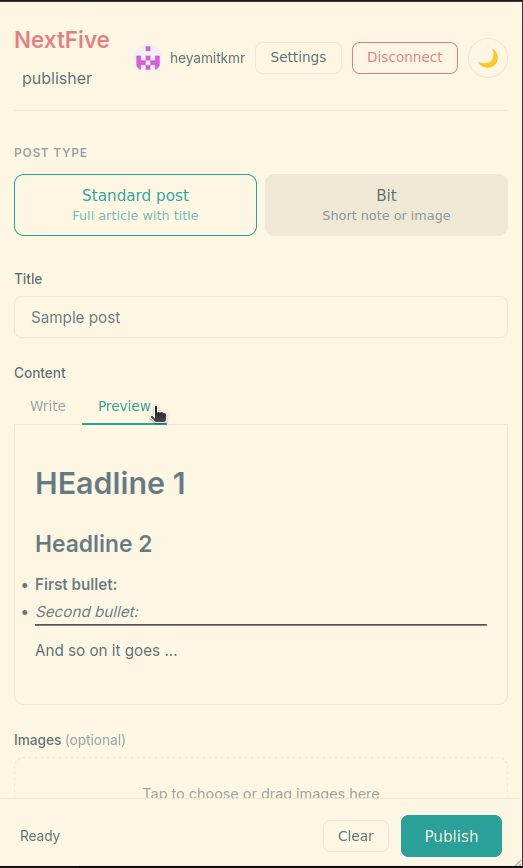
I was looking for a simpler way to create new posts on my Jekyll blog hosted from GitHub Pages. I would write a post, add / edit the front matter, commit, push. It works, but there’s a tiny bit of friction - especially trying to post from a phone. Which I sometimes wanted to for short twitter like notes or a single image instead of full posts. NextFive Publisher is another one of those single HTML file webapps - No install, no account, no server. Open it in a browser, connect it to your GitHub repo with a personal access token, and you can write and publish posts directly from your phone or laptop. Markdown editor with live preview, image uploads, front matter handled automatically.
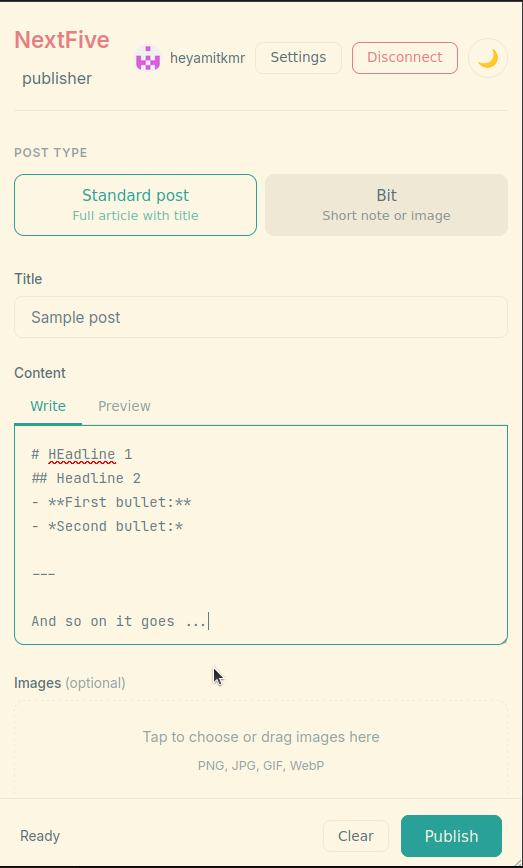
NextFive Publisher - Light theme |
How it works
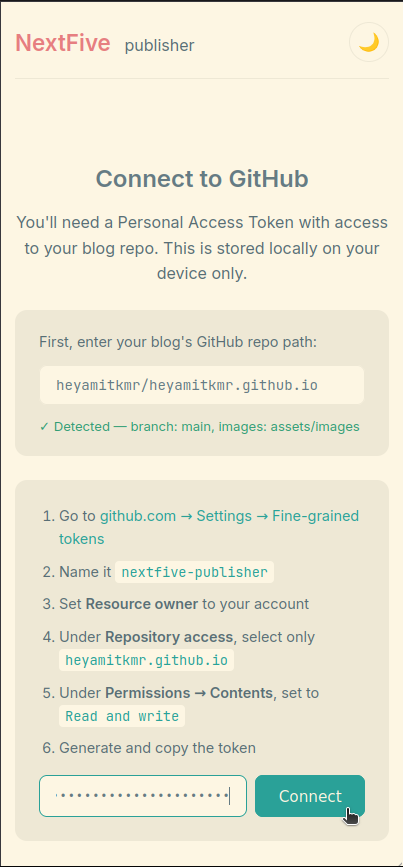
Enter your repo path, follow the link and instructions to generate a fine-grained GitHub token scoped only to that one repo, paste it in. That’s it! Start writing and posting.
NextFive Publisher - Light theme |
NextFive Publisher - Light theme |
The tool detects your blog’s structure — branch, layouts, image folders, categories — from your existing posts. Everything is stored locally on your device. Revoke the token from GitHub any time and the tool stops working instantly.
Download NextFive Publisher one HTML file, open and use. Or click here to start using.
If you don’t have a blog yet
Jekyll on GitHub Pages is a free blog set up used by many. It’s completely free, no hosting charges. No setting up anything on your machine. Just a Github account. And a domain name, only if you want to use ine. You write posts in plain text files, GitHub automatically builds and hosts the site for you — no WordPress, no Squarespace, no monthly fee.
A few things to help you start:
- nextfive.xyz and blog.nextfive.in — two examples of what a simple Jekyll blog on GitHub Pages looks like in practice
- More free Jekyll themes — pick one, follow the setup instructions, you’ll have something running in an afternoon
Once your blog is set up, NextFive Publisher plugs right in to help you start writing and posting.